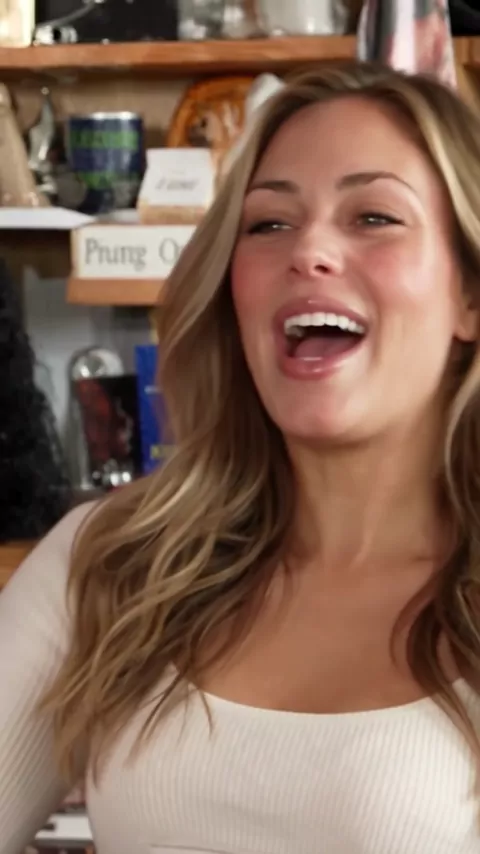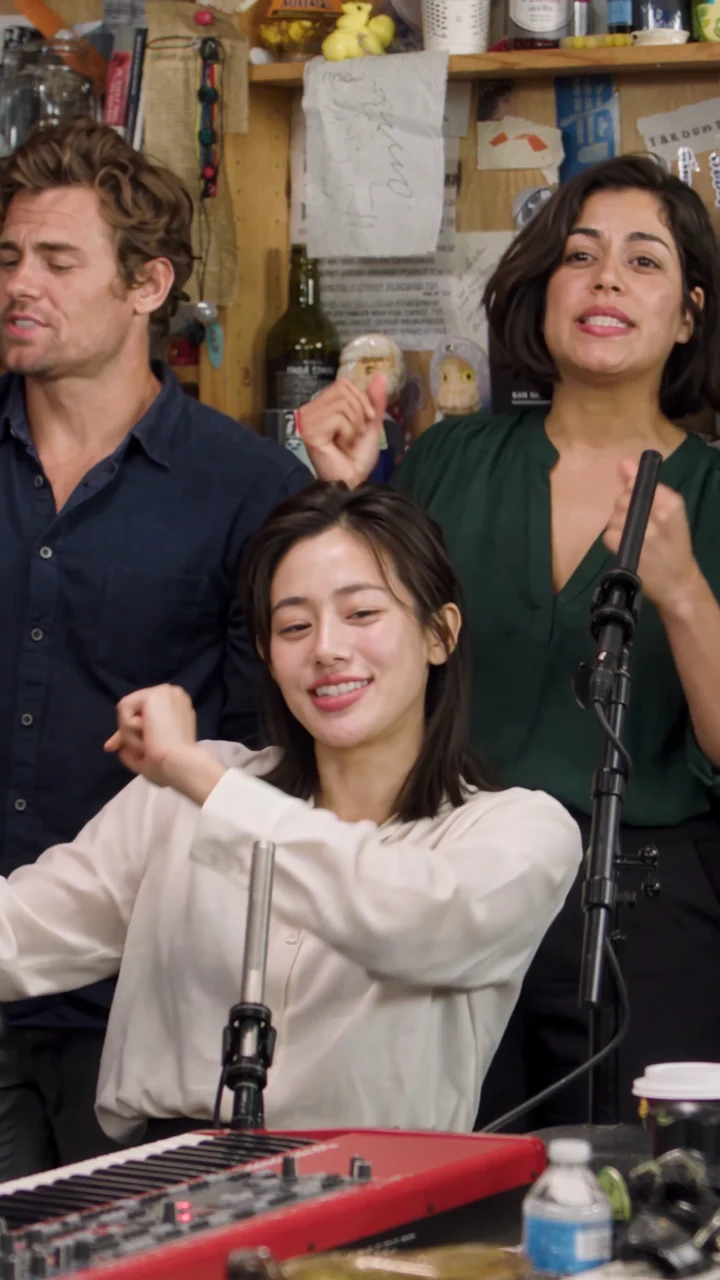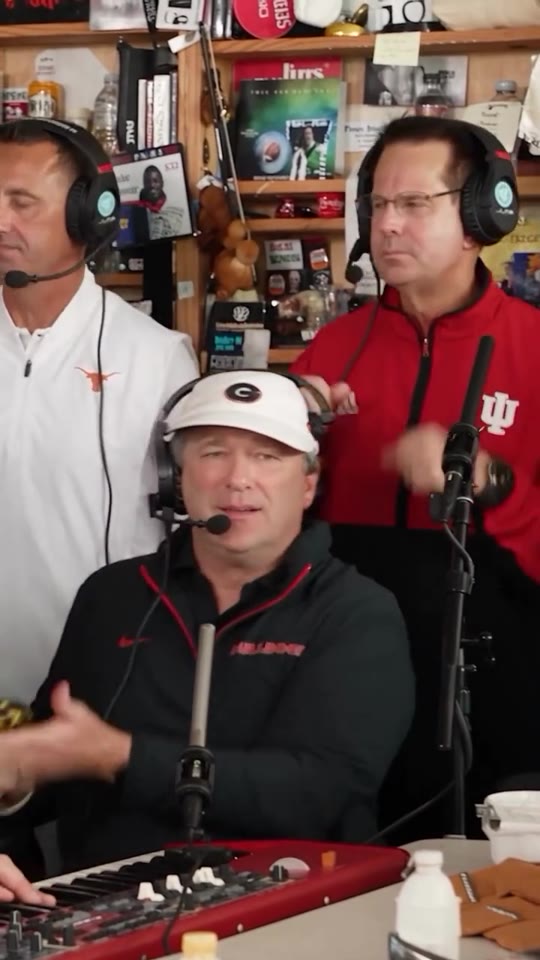
Reference clip
Duo exchange reference
Pair your keyboard player and saxophone player in a Tiny Desk Outstanding duo.
Pair your keyboard player and saxophone player in a Tiny Desk Outstanding duo. Start as a guest with one photo. Add more photos to replace more roles. Generating a video uses credits.
Duo exchange brings two people into the same performance. The keyboard player and saxophone player have separate positions, so each portrait has a specific part. The reference shows how the two performers are framed around the instruments.
Add a portrait to either role to replace that performer, or fill both slots. You can use photos taken at different times. A similar crop and enough light on both faces make a pair easier to review in the studio.
Follow the reference to see how both performers sit in the shot. Match the faces to the role labels in the positioning preview before you upload.
Pair your keyboard player and saxophone player in a Tiny Desk Outstanding duo.
Keyboard player. Use a front-facing or slightly turned portrait. Leave some space around the head so the face is easy to place in the seated role.
Saxophone player. Keep the jaw, nose, and mouth visible. Choose a photo without an instrument, hand, or other object across the face.
If you are working from a shared photo, crop a separate portrait of each person and keep the other face out of the crop. Choose photos you both have permission to use.
Use the two markers in the positioning preview to confirm who appears at the keys and who appears on sax.
Use a separate portrait of the person you want seated at the keys. Keep their face clear and looking near the camera.
Pick a second head-and-shoulders photo with the mouth and jaw visible for the saxophone part.
Add one photo to either role or one photo to each. Empty slots keep the original performers.
To replace the keyboard player, add a portrait to that slot. Use the name below the photo to check the assignment.
To replace the saxophonist, add a portrait to the Saxophone player slot. Compare the markers in the reference and swap photos if you meant to reverse the parts.
Pick an available resolution and check the credits and price shown on Generate. Follow the clip’s status in My videos after you submit it.
Pick a pairing where each person’s role makes sense to the people watching.
Put yourself and the friend who started the joke into the two roles. Swap who plays keys and who plays sax to try the setup the other way round.
Use one portrait of each person to send a joint birthday message or mark a shared milestone.
Try two teammates in the exchange and add their names in the post caption so viewers can spot both parts.
Review the available resolutions for your two-person clip and check the cost for your selection before you generate.
How to assign portraits to the keyboard and saxophone roles and check the reference.
The first slot is Keyboard player and the second is Saxophone player. Check the slot names before you generate.
Crop one person per image if both faces are sharp and each crop can exclude the other person. Then upload the two crops to their separate slots.
The scene supplies the instrument roles. Use ordinary portraits with visible faces.
Use your photo for the Keyboard player or Saxophone player. The other role keeps its original performer until you add a photo to it.
Solo spotlight puts one portrait in the lead close-up. Five-person band keeps the keys and sax positions while adding a lead singer and two backing performers.