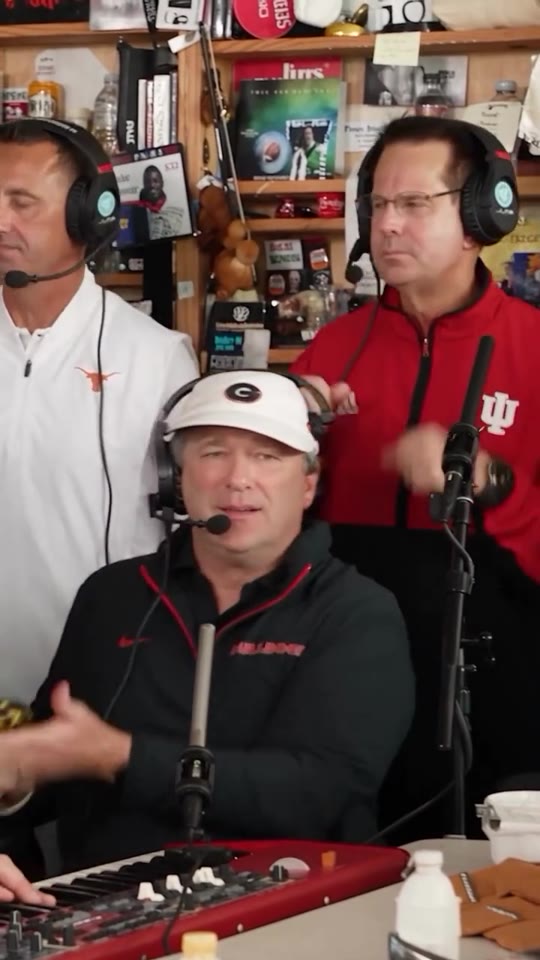
Cast example
Five portraits, one band
Five sample portraits alongside a band performance clip.
Input photos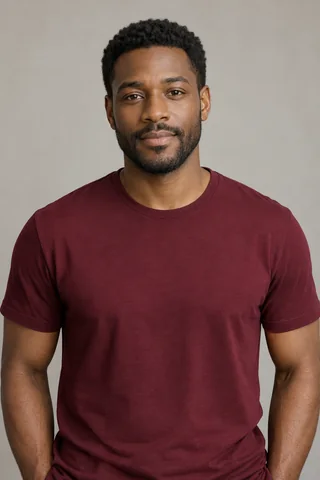

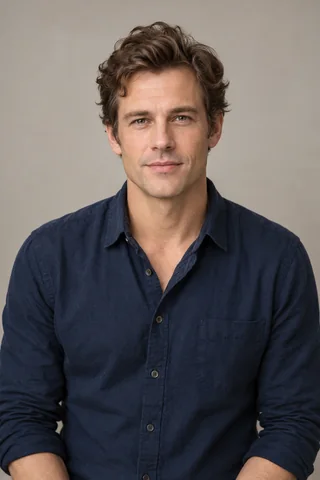
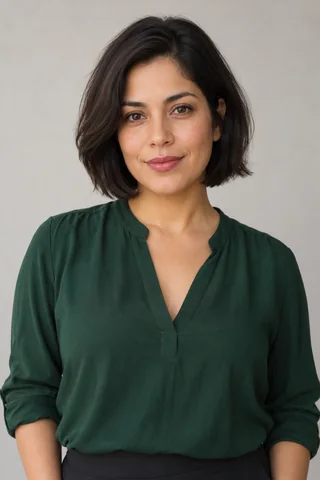

Turn your portraits into a Tiny Desk Outstanding video with a lead singer close-up, a keyboard and sax duet, or a full band. Start as a guest with one photo. Add more photos to replace more roles. Generating a video uses credits.
Independent of NPR, Tiny Desk Concerts, Charlie Wilson and The Gap Band.
Sample clips show the roles and camera framing for solo, duo and five-person scenes.
Compare the Seedance 2.0 rates by resolution on Pricing. The generator shows the cost for your selection.
See how each scene looks with different casts. Videos play muted until you turn on sound.
See the input photos alongside a frame from a tiny desk outstanding video.
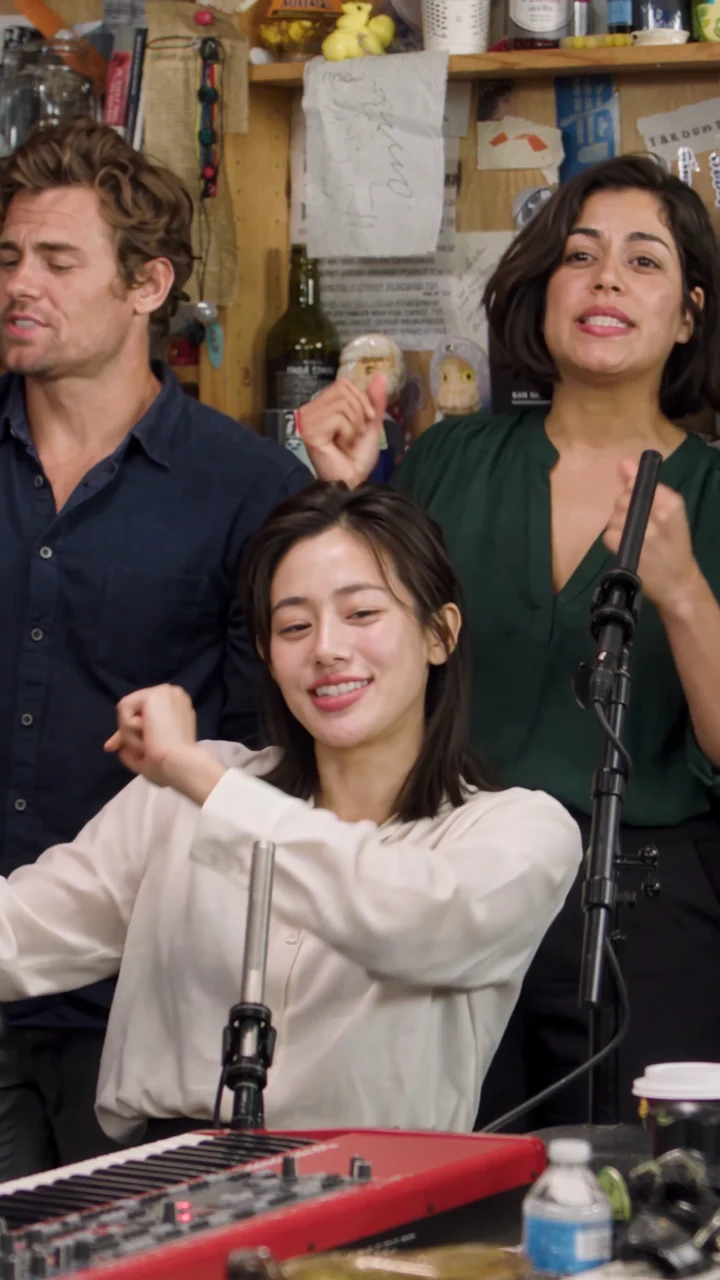
Watch published reference clips and explore the scene setup.
Five sample portraits alongside a band performance clip.
Choose a scene, add your photos and check the credit cost before generating your video.
Pick Solo spotlight for the lead singer, Duo exchange for keys and sax, or Five-person band for the full lineup.
Use clear portraits you have permission to use. Add at least one photo to a role you want to replace. Empty slots keep the original performers.
Choose an available resolution and review the credit cost. Select Generate video when you have enough credits. Find the finished video in My videos.
Watch a reference for each scene, then try its setup in the studio.
Put your chosen lead singer in the spotlight for a Tiny Desk Outstanding close-up.
Pair your keyboard player and saxophone player in a Tiny Desk Outstanding duo.
Five sample portraits alongside a band performance clip.
Choose a scene based on the kind of shot you want.
See which photos work best for a tiny desk outstanding scene.


Open the studio on a phone or computer without installing an app.
See the price of one tiny desk outstanding video at each resolution and view credit packs.
The Tiny Desk Outstanding meme recasts a band performance inspired by Charlie Wilson’s Tiny Desk rendition of “Outstanding.”
The meme puts a new cast into the lead, keyboard, saxophone and backing roles of a desk concert. Pick a scene to see its framing and decide which photos to use.
Sample clips illustrate the format. Finished videos are created from the photos you select.Watch the reference clipsFind answers about photos, pricing, and making a tiny desk outstanding video.
The Pricing page shows the published rates by resolution and lists credit packs. You need enough credits and an available resolution to generate a video. Credit packs can be purchased when checkout is available.
You can start as a guest. To save your videos and credits to an account, select Sign in and enter your email and password. If this is your first time, the same form creates your account.
Choose a scene and add at least one photo to a role you want to replace. Pick an available resolution, review the credit cost and select Generate video. Open My videos to follow progress and download a finished clip.
Every scene can start with one photo. Duo exchange accepts up to two and Five-person band accepts up to five. Empty slots keep the original performers.
Solo uses Lead singer. Duo uses Keyboard player followed by Saxophone player. The five-person cast uses Lead singer, Backing performer (left), Keyboard player, Backing performer (right) and Saxophone player in that order.
Use a separate photo of one person with an unobstructed, evenly lit face. Keep the head and shoulders in frame, and choose photos you have permission to use.
The samples show how solo, duo and five-person scenes are framed. Use the role labels in the generator when choosing photos for your own video.
Tiny Desk Outstanding is an independent AI video maker. NPR, Tiny Desk Concerts, Charlie Wilson and The Gap Band are not affiliated with it.
The original Outstanding recording is not available as a soundtrack option. Audio can differ between sample clips and generated videos.
Credits are returned when a generation fails. Check your video status in My videos and your current balance in Account.