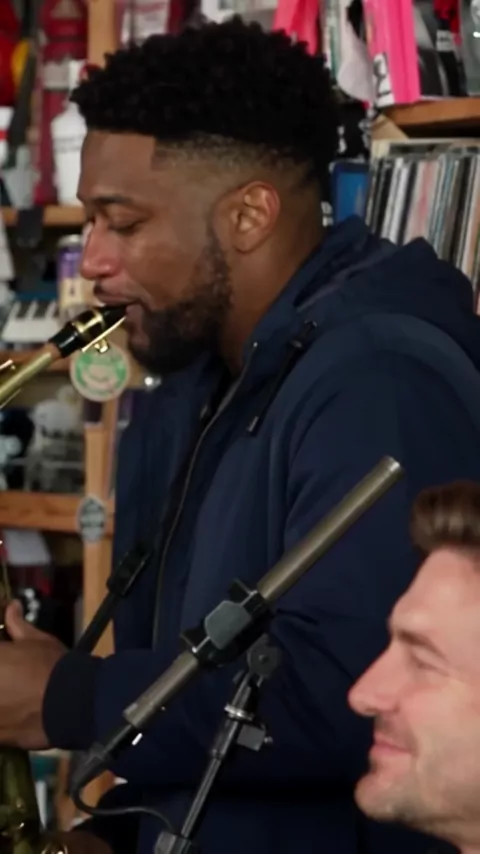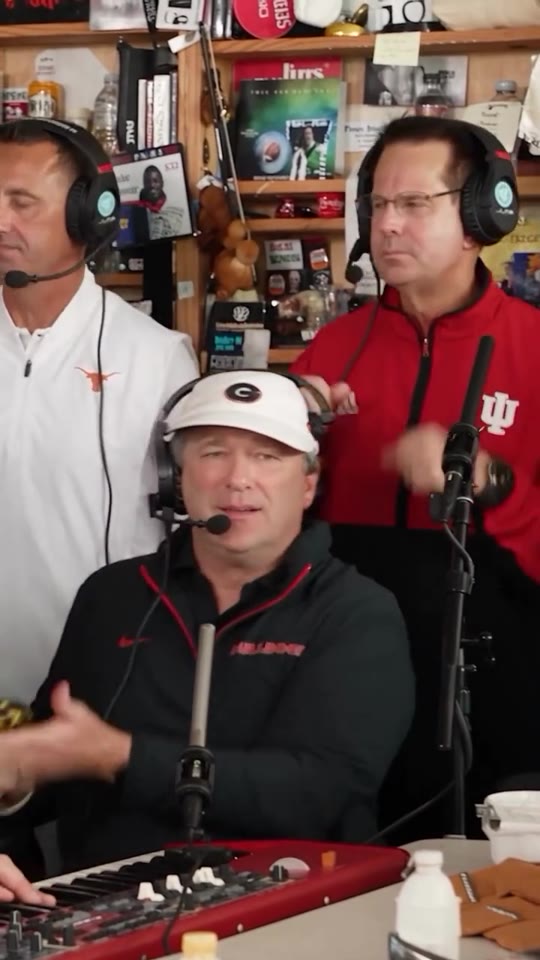
Cast example
Five portraits, one band
Five sample portraits alongside a band performance clip.
Input photos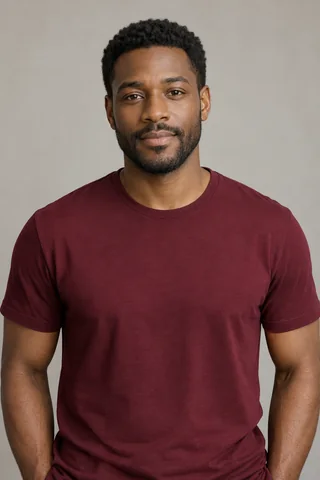

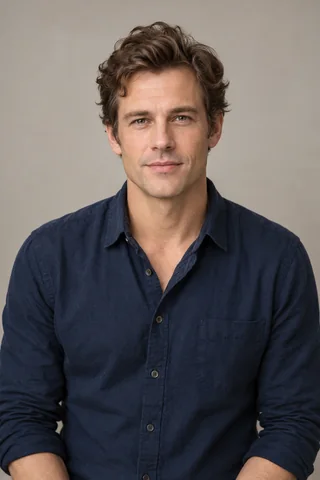


Cast the lead singer, keyboard player, saxophonist, and two backing performers in a Tiny Desk Outstanding band clip. Start as a guest with one photo. Add more photos to replace more roles. Generating a video uses credits.
Five-person band lets you assign a portrait to any part of the scene. The reference moves from a group frame with keys and backing performers to a lead singer close-up and a saxophone shot. The positioning board brings those shots together so you can locate all five roles in one place.
Start with one portrait in the role you want to replace. Add more to recast more of the band. Slots you leave empty keep their original performers.
Start with the performance shown alongside its five input portraits, then watch how different casts fill the group frame, the lead close-up, and the saxophone shot.
Five sample portraits alongside a band performance clip.
A sample scene showing how five performers are placed on stage.
A different five-person cast with a red-haired lead singer and a separate saxophone close-up.
A band arrangement with cats in the wide shot, lead close-up and saxophone cut.
A desk concert clip showing the setting and camera framing.
A band scene with keyboards, vocals and saxophone.
Lead singer. Pick a sharp head-and-shoulders portrait with a clear expression for the close-up.
Backing performer (left). Use one clear face, then match it to the left backing marker.
Keyboard player. Leave some space around the head and shoulders for the seated position.
Backing performer (right). Choose another portrait and check the right backing marker.
Saxophone player. Keep the nose, mouth, and jaw visible for the instrument shot.
Use photos the performers have given you permission to use. If you crop the portraits from one group photo, check that each crop contains a single face and still looks sharp.
Look at the positioning board as you assign the group roles, the singer’s close-up, and the saxophone shot.
Choose a sharp portrait with the eyes and mouth visible for the lead singer’s close-up.
Use a separate photo for the left backing performer. Keep the face clear enough to read in the group frame.
Use a head-and-shoulders photo with room around the face for the performer at the keyboard.
Use a separate portrait for the right backing performer and check the right-hand marker before generating.
Choose a portrait with a clear face and jawline for the saxophone shot.
Use the role labels and the positioning board to check the portraits you added before you submit.
To replace the lead singer or saxophonist, put a clear portrait into that role. You can fill either slot or both.
To replace a backing performer or the keyboard player, match your photo to that role on the positioning board. Empty slots keep the original performers.
After you add at least one photo, choose an available resolution and review the credit and price display on Generate. Open My videos to follow the result.
Assign the parts together and give each person a spot to look for.
Give the friend who always starts the conversation the lead spot and let the others pick keys, sax, or a backing role.
Cast the guest of honor as the singer and add four people they know in the other positions. Share the clip with a short message.
Pick five teammates and put their names next to the roles in your caption so everyone can find their part.
Each rate covers one finished band clip with one to five portraits. Choose a resolution to see the cost for that clip.
Check the slot order and work out where each band member appears.
The slots are Lead singer, Backing performer (left), Keyboard player, Backing performer (right), and Saxophone player.
The left and right slots are labeled in the generator. Compare each upload to the matching marker on the positioning board before you generate.
They appear in different shots from the main group. The board combines those frames so you can check where each portrait goes.
One portrait is enough. Add it to any of the five roles. You can fill more slots to replace more of the band, and empty slots keep the original performers.
Solo spotlight needs one portrait for the lead singer. Duo exchange accepts one or two portraits for the keyboard and saxophone positions.